 PowerSafe
Android · Windows · macOS
Your passwords, on your phone and your computer. No monthly bill.
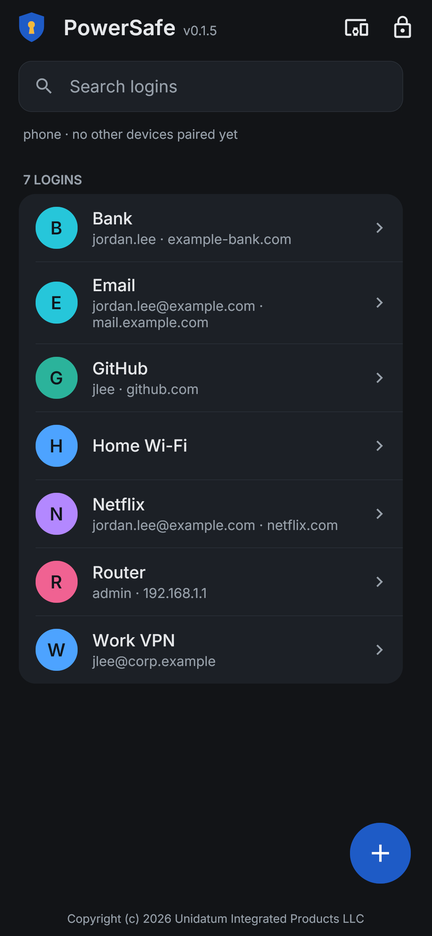
PowerSafe keeps your passwords on the devices you already own and fills them in when you need them. Nobody else holds a vault with your name on it, and keeping your own logins stays free.
Why people move
Your passwords are yours. Keeping them should be too.
A password manager asks you to put every login you have into one company's care, and to pay every month for the privilege. PowerSafe keeps them where they already are: on the devices in your hand and on your desk.
Install it once, and that is the end of it
Password managers are rented by the month, and the bill arrives again for as long as you want to keep your own logins. PowerSafe is a program you install on your computer and your phone, and keeping your passwords there costs what it has always cost: nothing.
Your passwords sit on your own devices
They go from your phone to your laptop and stop there. There is no company vault with your logins inside it, so there is none to be broken into.
Nothing to sign up for
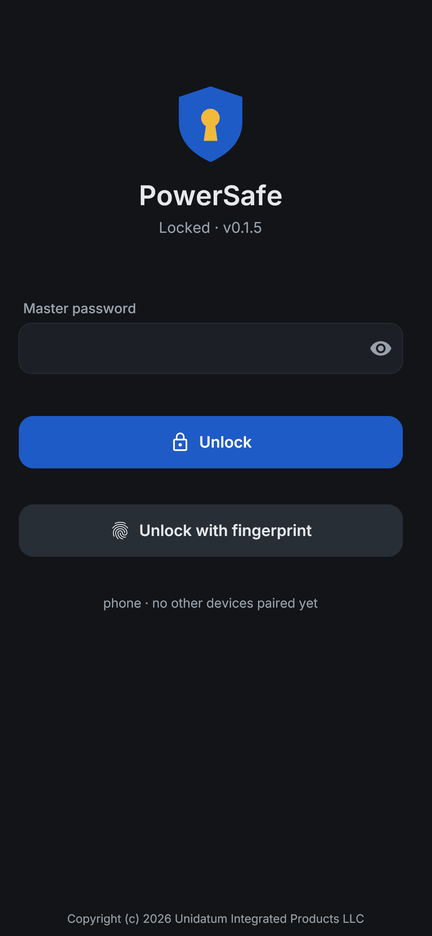
No account, no email to confirm, no recovery questions. You choose a master password, and you add your next device by holding up a code.
Using it
The parts you reach for every day.
Fills in your logins as you browse
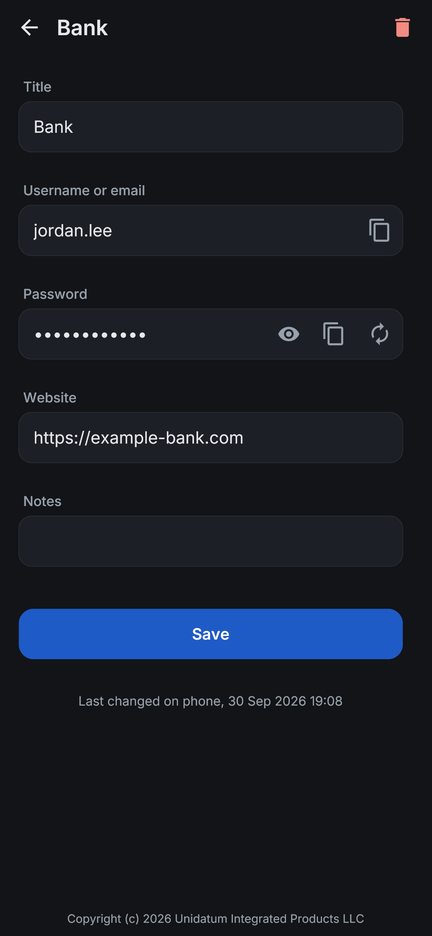
The Chrome and Edge extension shows the logins that match the page you are on and fills one in. It asks the PowerSafe app running on that same computer, so your passwords reach the browser from your own machine.
Open it with your fingerprint
Your master password unlocks the safe the first time. After that your phone's fingerprint reader will do, so reaching a password is as quick as reaching into your pocket.
Copy a password off another screen
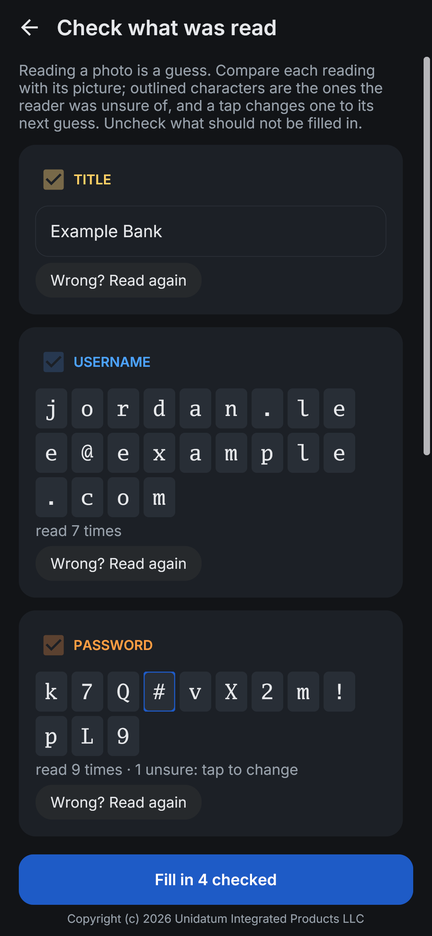
Point your phone's camera at a password shown on another screen and PowerSafe reads it in. It shows you what it read, marking any character it was unsure of, so you can confirm it before it is saved.
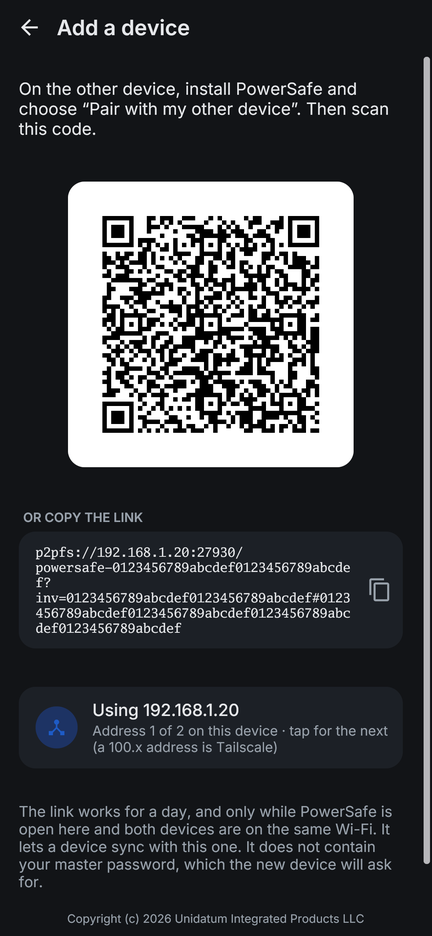
Add a device by holding up a code
One device shows a square code and the other looks at it. That is the whole of the setup, and it works in either direction, so a computer can join a safe that started on your phone.
Your logins, yours
Locked before anything writes it down.
Locked with a password only you know
Everything in your safe, the names included, is locked before it is written anywhere. Your master password is what opens it, and it stays in your head rather than on somebody's server.
Your devices talk only to each other
PowerSafe reaches your other devices at the addresses you gave it when you added them, and asks nobody else where they are.
There is nothing central to break into
Your safe is your own devices keeping each other up to date. With no account and no company database behind it, a break-in at some company leaves you exactly where you were.
Questions
What people ask first.
+Is it really free?
To run, yes. You install it on your devices and your passwords live there, which is something your own phone and laptop have always done for free.
+What if I forget my master password?
Choose one you will keep. It is what opens the safe, and it lives in your head rather than on a server, so it is yours to look after.
+Do I need to make an account?
You choose a master password and add your next device by letting it look at a code. That is the whole of the setup.
+Where are my passwords actually kept?
On the devices you added, and on those alone. They travel between them directly whenever both are on.
+Will it fill in logins in my browser?
Yes, in Chrome and Edge. The extension asks the PowerSafe app on that computer, so the passwords come off your own machine.
+What if I lose my phone?
Take it off the list from any of your other devices and the rest agree. Whoever has the phone still needs your master password to open anything.
+Does it work without the internet?
Opening your own safe needs only the device in your hand, and two devices on the same network keep each other up to date directly.
+Which devices does it run on?
Android phones, Windows and macOS, and iOS (Beta).
Put your passwords back on your own devices.
Install it, choose a master password, and add your next device by holding up a code. It is yours from that moment, with nothing to renew.